
A product page can have a polished title and still leave the most useful details in the fields beneath it. Those fields are not decoration. They are where a shopper can check whether two options are genuinely comparable before deciding.
WooCommerce uses attributes to describe product details and, where relevant, to define variations. For a shopper, that makes one rule worth following: read the selected option and the written attributes together. Do not make the decision from a product image alone.
1. Start with the selected option
If the page offers a model, size, finish, or configuration, the active choice is the version being considered. Confirm it before reading the rest of the page. Our selected-model checklist explains how to carry that choice through to the basket.
2. Treat each attribute as a specific field
A material, measurement, care note, or compatibility note answers a different question. Read the label and its value together. When a field is not shown, do not assume it matches another listing.
3. Separate product details from package details
A product attribute may describe the item itself, while a contents statement explains what arrives in the order. Check both. The package-contents guide is useful when photos show accessories or styled objects that may not be part of the purchase.
4. Compare the same fields in the same order
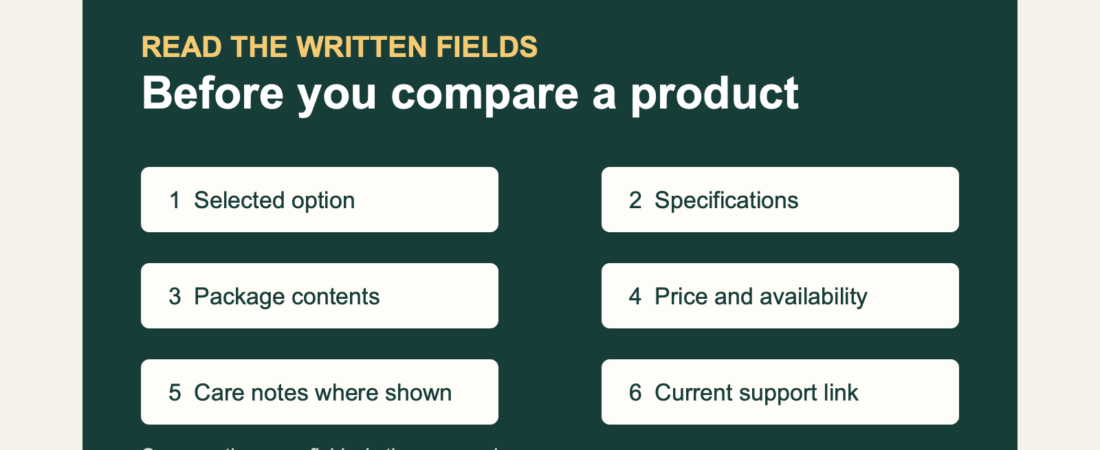
When choosing between similar pages, line up the selected option, written specifications, explicit package contents, price, and availability. This takes less time than trying to infer a difference from photography. Use the listing-comparison guide for a six-field version of that process.
5. Check whether a detail affects another item
For an accessory or kit, look for the exact attachment, size, model, or handling note that connects it to the item you already own. A familiar product name is not confirmation of fit. Review the compatibility checklist before adding related items.
6. Ask support with the current link
If a written field remains unclear, send the current product link and the selected option to private order support. That gives support a concrete page to review and avoids asking you to repeat unnecessary detail.
A short attribute check before payment
- Selected option
- Written specifications
- Care or handling details where shown
- Explicit package contents
- Price and availability
- Current link for private support
Browse soft-touch forms and pumps and accessories by the written details on each current page. A careful comparison is quieter, clearer, and more useful than a guess after payment.