
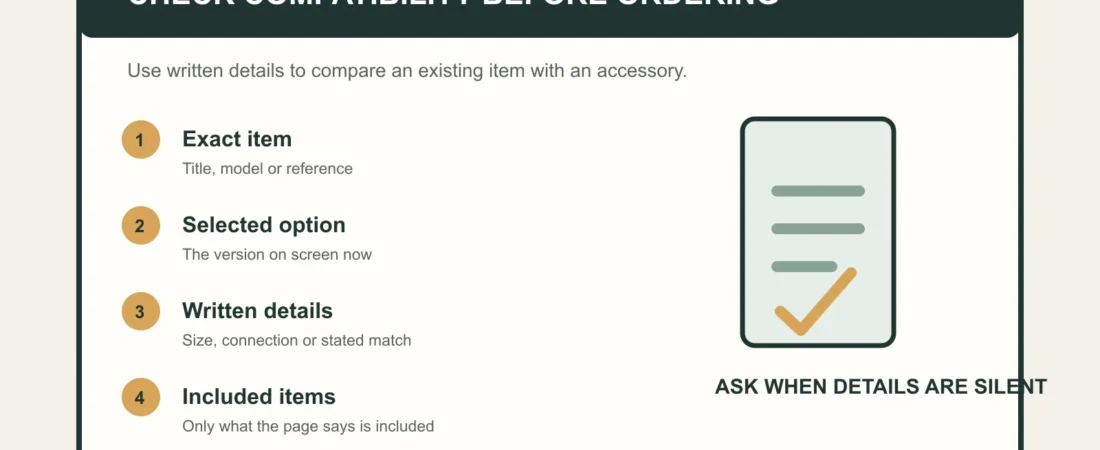
An accessory can look close enough in a product image and still be the wrong match for the item you already have. Compatibility is usually decided by a small set of written details: the exact product or model, the active option, the relevant measurements or connection description, and what is actually included.
WooCommerce documents that product variations can have their own price, stock, image, weight, dimensions, and description. That is a useful shopping rule as well: do not assume that a parent product name or a gallery image describes every option in the same way.
1. Identify the item you already own
Start with its product title, selected model, and any reference shown on its order confirmation. “Similar” is not a compatibility field. Use the exact version as the baseline for comparison.
2. Read the accessory title and active option
Check the title, selected configuration, and page labels together. An accessory page can offer several sizes, versions, or formats; the active option is the one you are considering, not the first image in the gallery.
3. Compare written connection or size details
Where a page provides dimensions, connection information, or a named compatible model, compare those words directly. Do not infer fit from color, packaging, category, or a general product family.
4. Treat images as a cross-check
Images can clarify shape and presentation, but they are not a universal fit guarantee. Use them after the written details, especially where several options share one gallery.
5. Confirm what the package includes
A connector, replacement part, or additional item shown in a gallery is not automatically included. Read the contents statement and use the package-contents guide when the listing is unclear.
6. Pause when the page does not state compatibility
Absence of a compatibility statement is not confirmation. Before ordering, contact private order support with the current product link, selected option, and the item you want to pair it with. Keep the discussion to product details rather than assumptions.
A short compatibility checklist
- Exact existing item or model
- Accessory title and selected option
- Written size, connection, or model statement
- Current images as a cross-check
- Explicit package contents
- Support confirmation when the page is silent
Browse pumps and accessories by their written details, then check the selected option again in the basket. The selected-model checklist can help keep the final order line consistent.